
Split a song into individual instruments — the standout feature of Music Looper. You get 5 free separations every month; a subscription makes them unlimited.
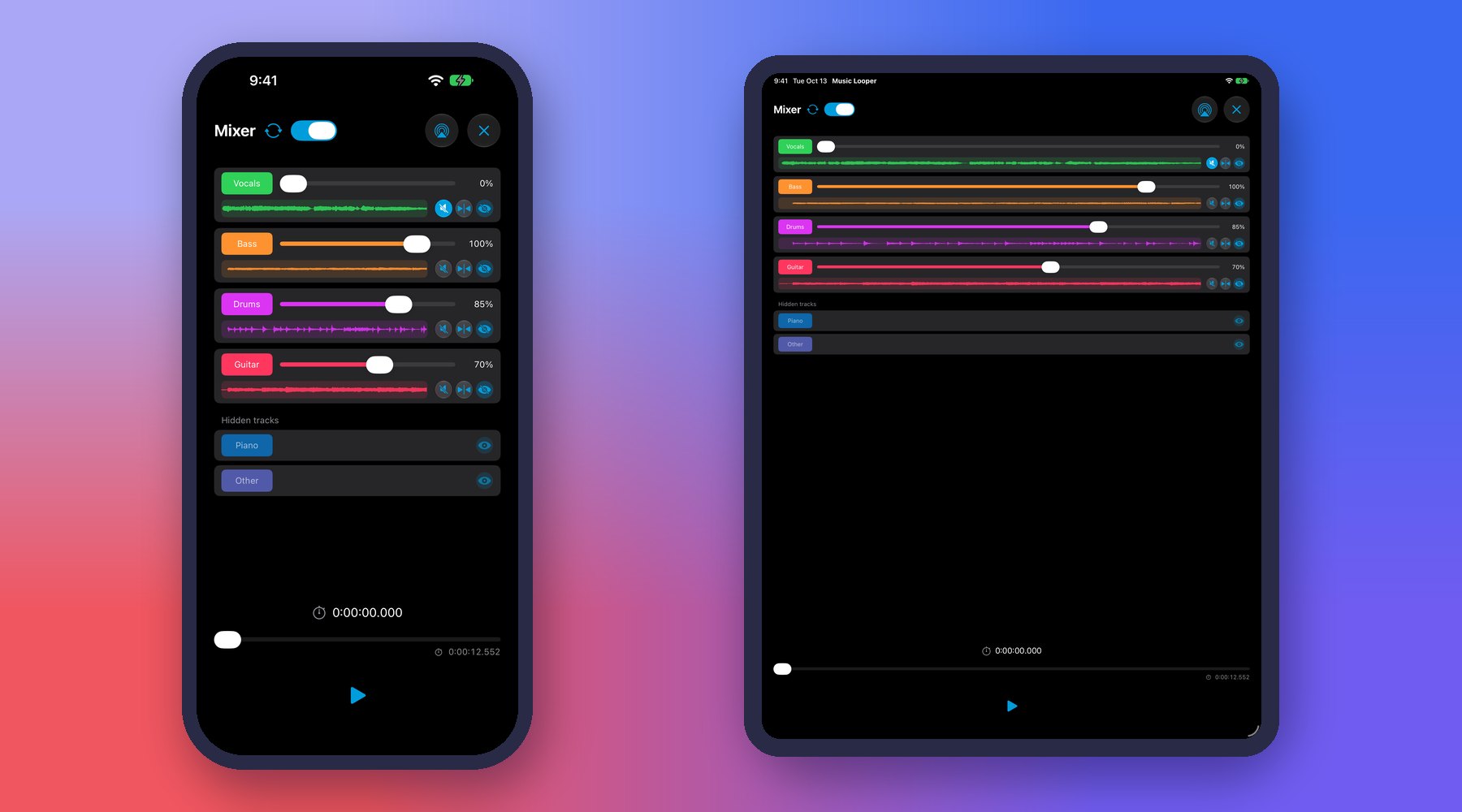
- Split a song into separate stems — vocals, drums, bass, and other (4 or 6 stems) — using AI separation.
- Solo or mute any instrument: play along with just the drums, remove the vocals for karaoke, or isolate a bass line to learn it.
- Adjust each stem’s volume independently in the Mixer.
- Export your mix to MP3 to share or listen elsewhere.
Separation runs in the background — you’ll be notified when it’s ready. Larger songs take longer to process.
💡 Tip: Combine it with looping and speed: isolate one instrument, loop the tricky bar, and slow it down — the fastest way to learn a part by ear.
💡 Tip: Lower an instrument instead of muting it fully to keep it as a quiet guide while you play along.
Examples: mute the drums and be the drummer; mute the vocals for a karaoke or instrument-cover track; solo the bass to transcribe a line note-for-note.
See all premium features and pricing on the Music Looper home page.
← All User Guide topics · Previous: Metronome and first beat · Next: EQ and filters: cut the bass or isolate a channel
Download Music Looper on the App Store – for iPhone, iPad, Mac and Apple Watch.