
Control your songs, practices, recordings and the metronome from your wrist while your iPhone stays on the music stand.
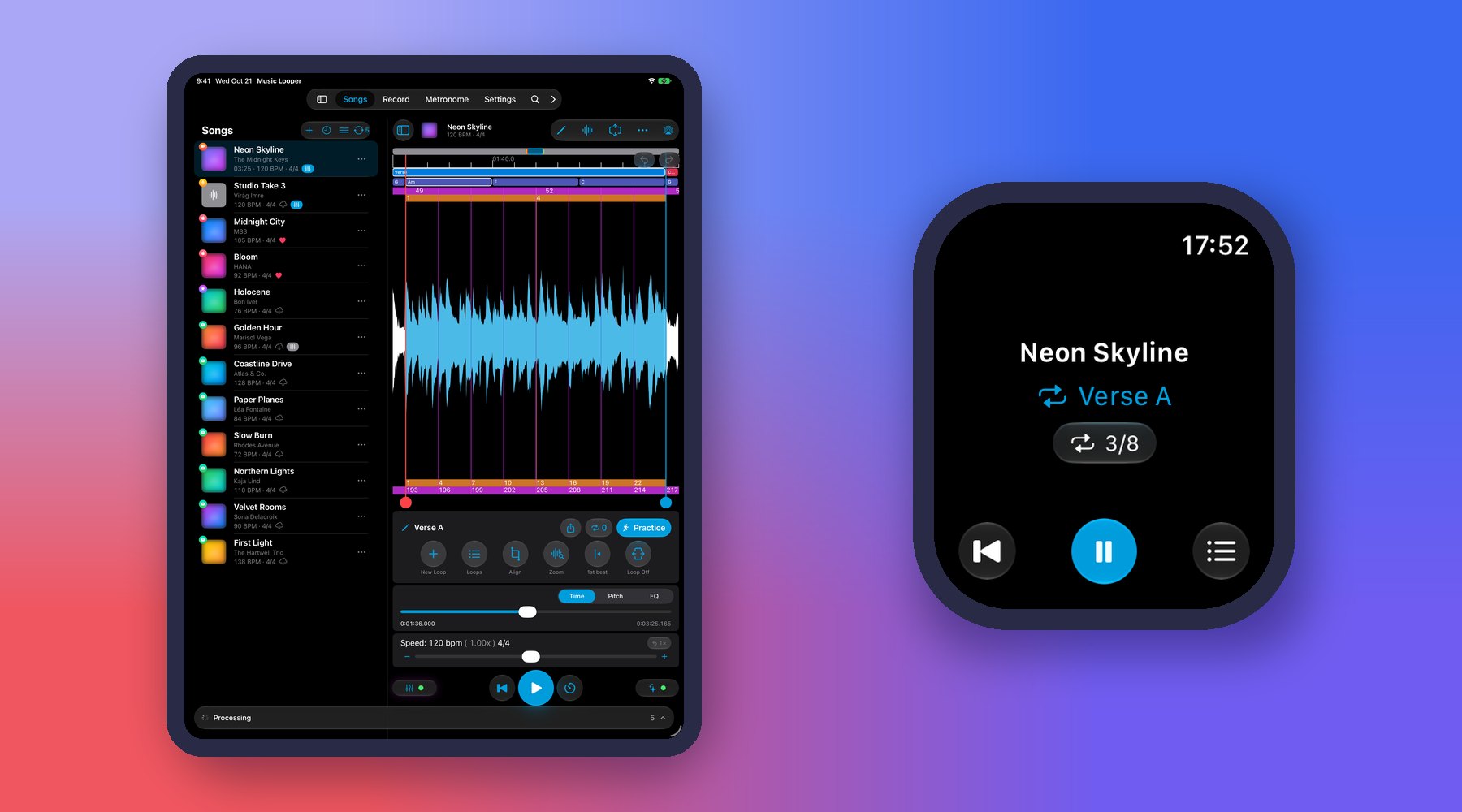
- Songs: play or pause, jump back to the start of the loop, switch loops from the list and follow the repetition counter.
- Practice: see the current tempo, speed or pitch in a progress ring, pause or resume, and step through a practice list.
- Play along: start and stop a take with the count-in on your wrist, then play it back, save it or discard it.
- Record: start and stop a recording and see how long it has been running.
- Metronome: start or stop it and set the tempo with the Digital Crown.
The watch shows whatever is open on your iPhone, so open the song, practice or metronome there first. Everything plays and records on the iPhone — the watch is only the remote — so keep your iPhone nearby with Bluetooth on. While the Mixer or Practice is open, the song controls pause, just as on the Lock Screen. Apple Music songs have no repetition counter, just as in the app.
💡 Tip: In pitch practice, turn the Digital Crown to change the speed; it takes effect from the next loop.
💡 Tip: When the speed differs from 100%, tap it on the watch to jump back to the original tempo. As you turn the Digital Crown past 100%, a stronger tap tells you that you’re at the original tempo.
💡 Tip: The count-in tap on your wrist tells you when to come in, but it arrives a fraction of a second late — keep time with the click you hear from your iPhone or headphones.
💡 Tip: To keep Music Looper on the watch screen longer after you lower your wrist, pick a longer time for it in your watch’s settings for returning to the clock.
💡 Tip: Don’t see Music Looper on your watch? Open the Watch app on your iPhone and install it from the list of available apps.
← All User Guide topics · Previous: Lock Screen, Control Center and headphone controls · Next: Siri, Shortcuts, Spotlight and Live Activities
Download Music Looper on the App Store – for iPhone, iPad, Mac and Apple Watch.