
Build a routine, run it hands-off, and see how your practice adds up over time.
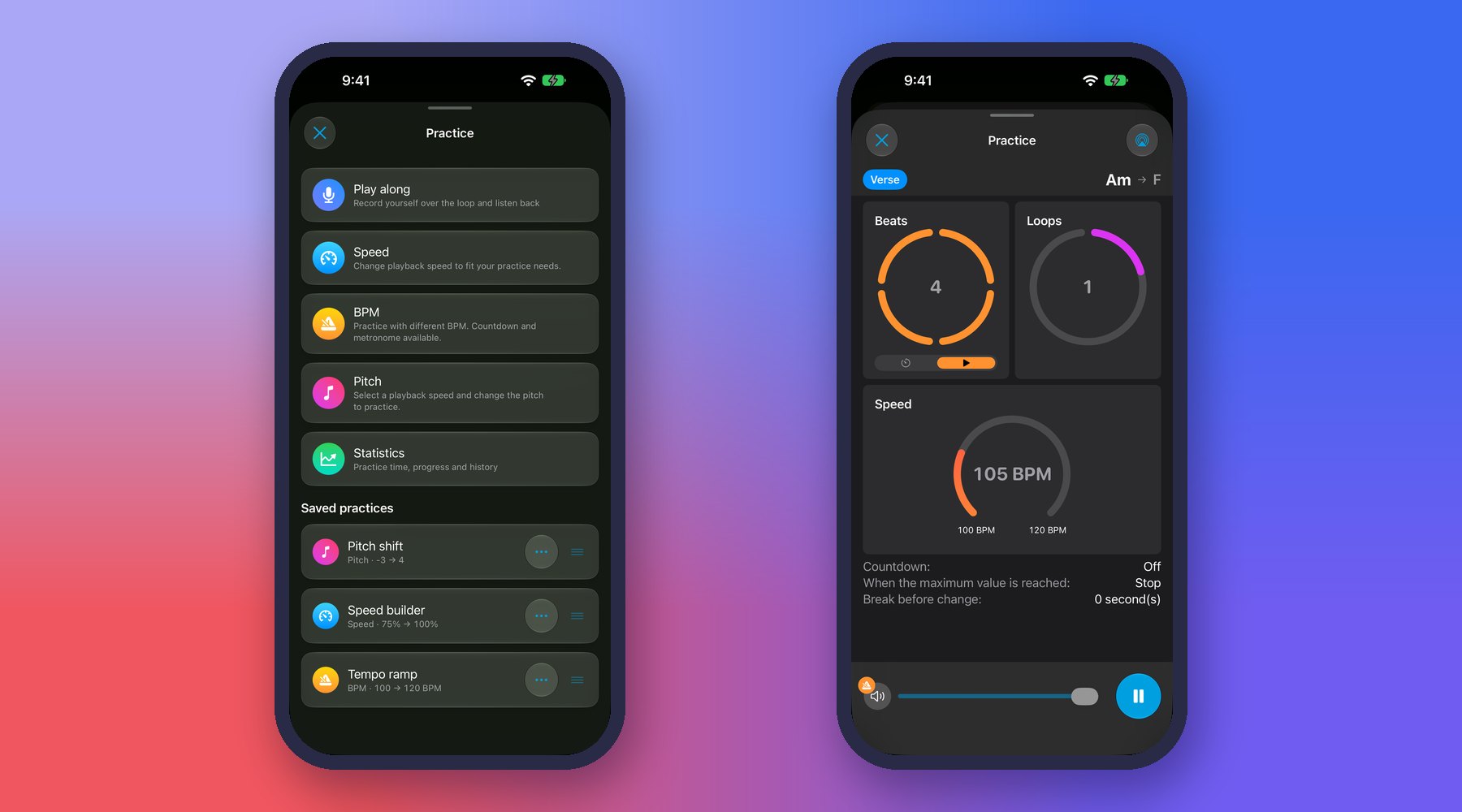
- Start a practice session built from your loops and songs.
- Queues: build and name ordered practice lists that auto-advance to the next item, with a summary at the end.
- Favorites: star the loops and songs you return to most.
- History & stats: review past sessions and track how much you’ve practiced.
💡 Tip: Build a warm-up queue of your favorite loops and run it at the start of every session — it auto-advances, so you just play.
💡 Tip: Use History & stats to spot the loops you tend to avoid — those are usually the ones worth the most practice time.
← All User Guide topics · Previous: Follow separations and analyses (Processing) · Next: Daily practice goals, streaks and smart review
Download Music Looper on the App Store – for iPhone, iPad, Mac and Apple Watch.